Coding & Robotics Classes for Kids in Tracy
Hands-on coding, robotics, game development, Python and web development classes for kids ages 6–16 in Tracy, California.
Learn robotics and programming by building practical projects.
In each track, you'll build relevant projects that teach you how to actually use the concept in real life.
Robotics
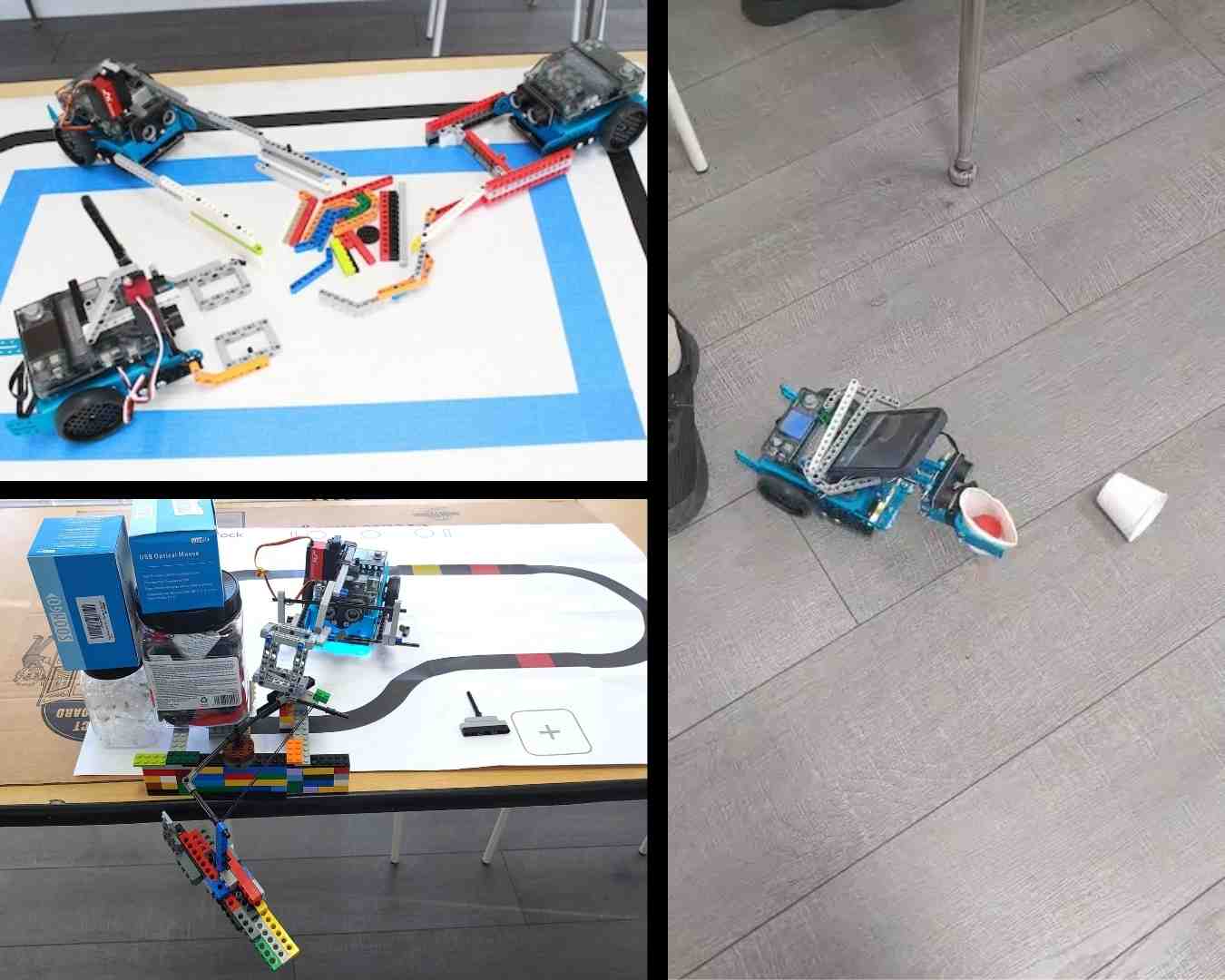
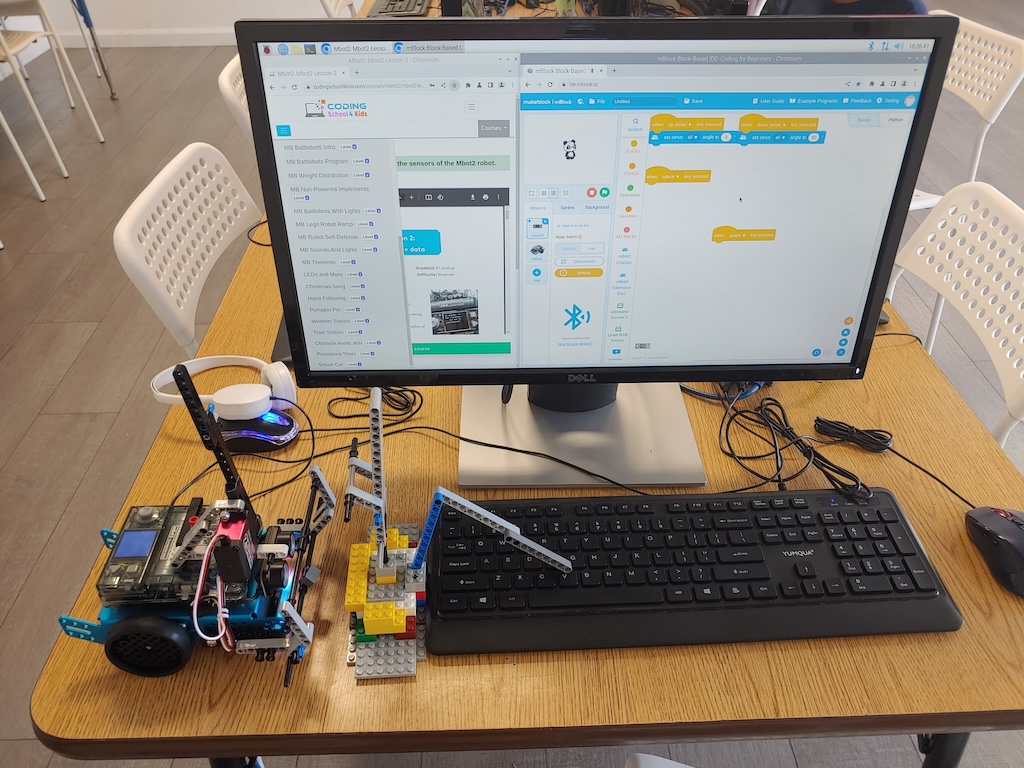
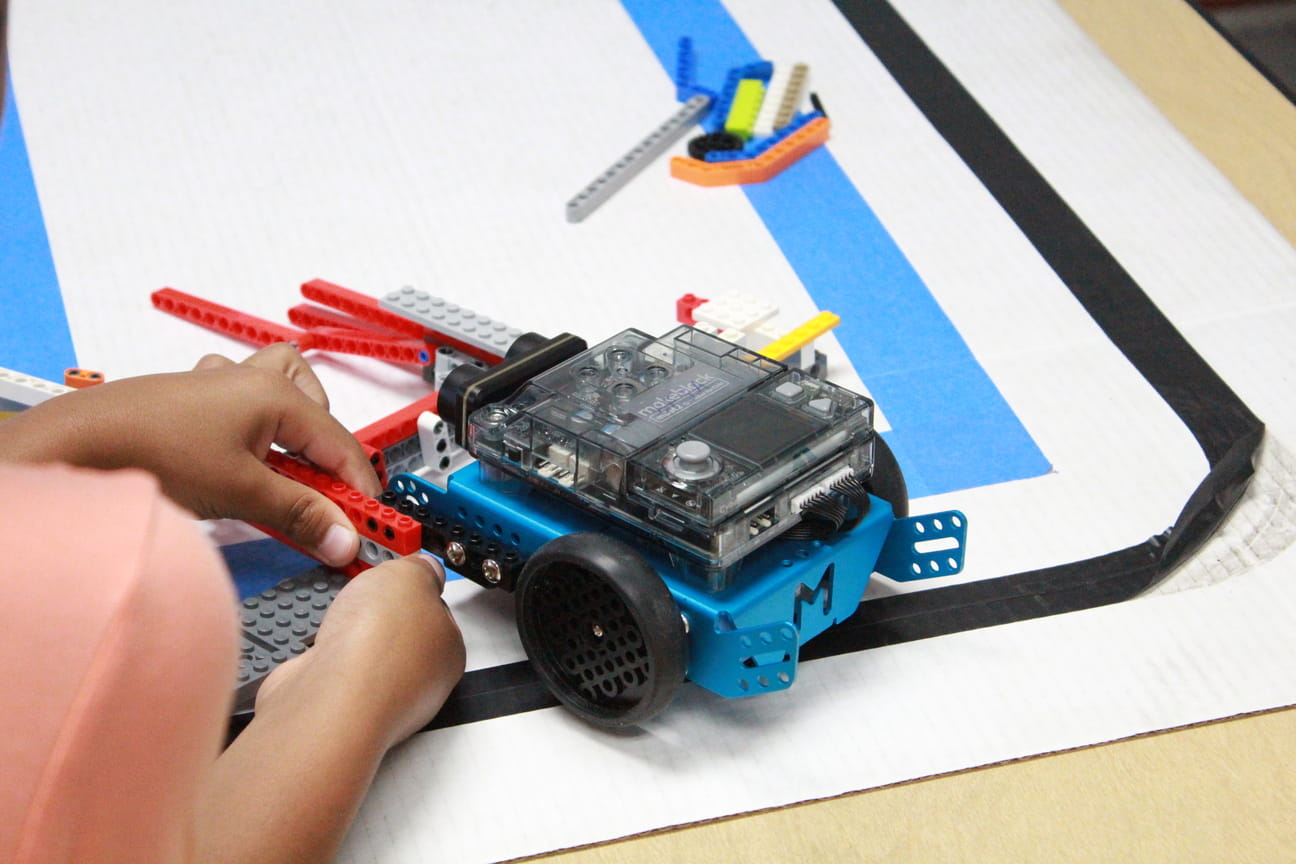
Experiment with sensors, motors, and add-ons to solve a variety of challenges and problems. As you get better, transition to industry robotics completely from scratch.
Game Development
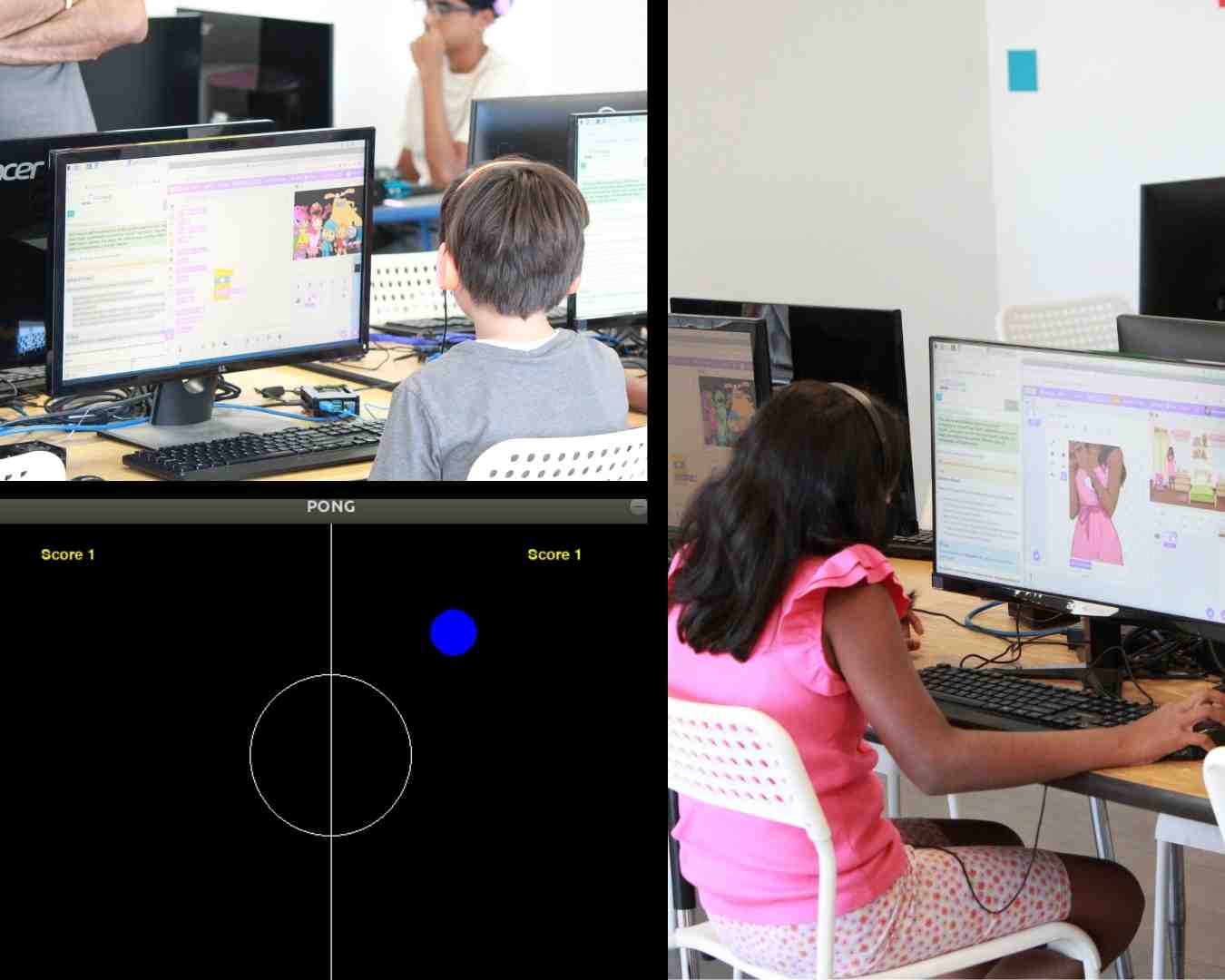
Start by building a lot of simple games using block programming. Then, gain more control over your projects by learning more complicated programming languages.
Programming
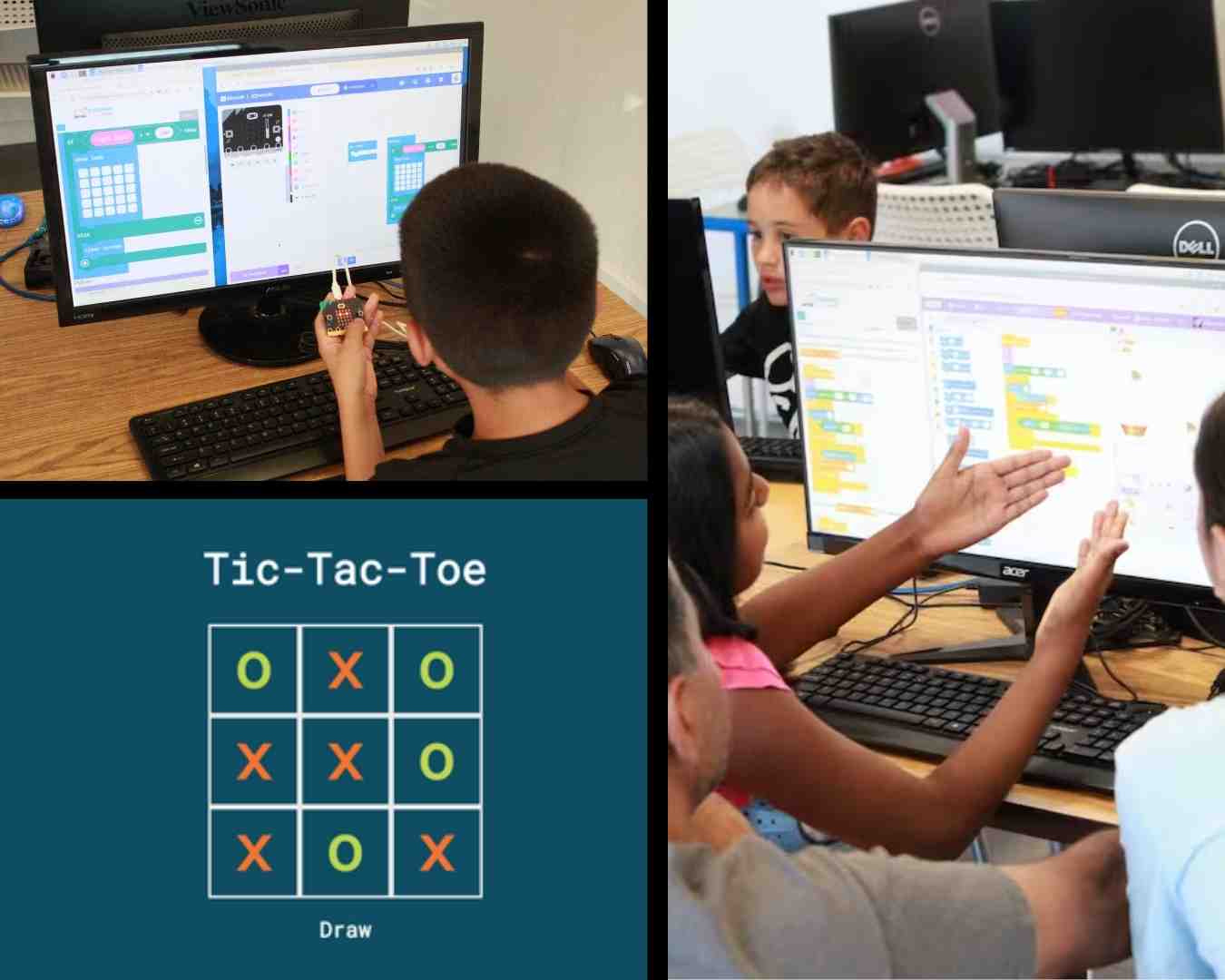
Learn the fundamentals of computer coding and how you can apply it to the real world. As you get better, you'll learn more tools for different purposes.
Build critical thinking with community events
We often host community events that gives students a fun opportunity to challenge themselves.
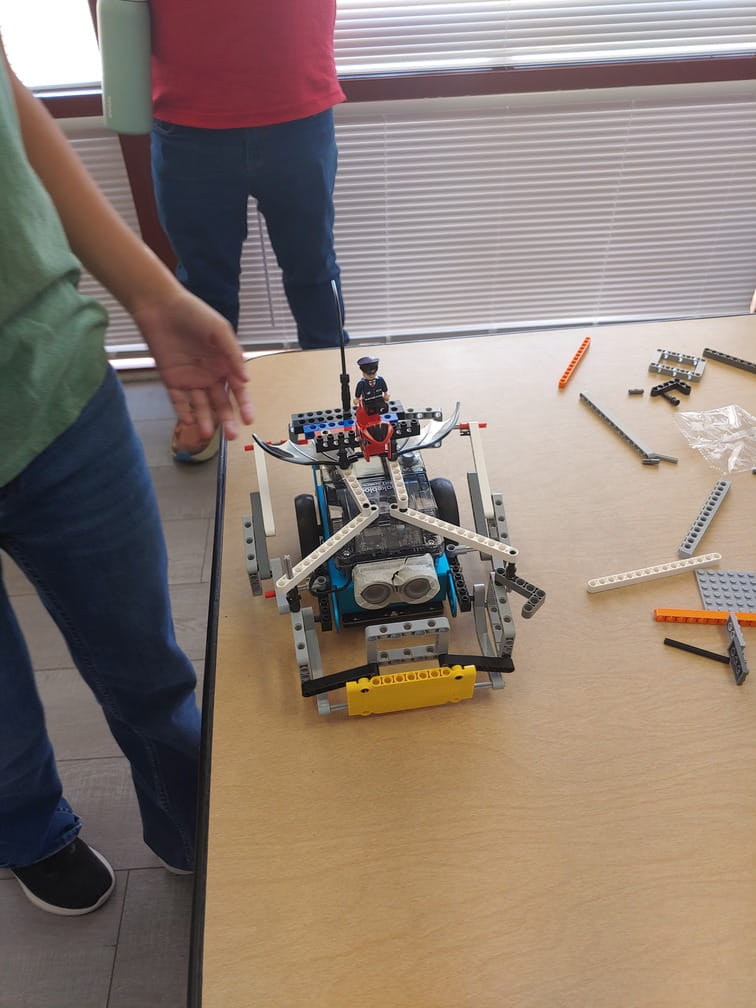
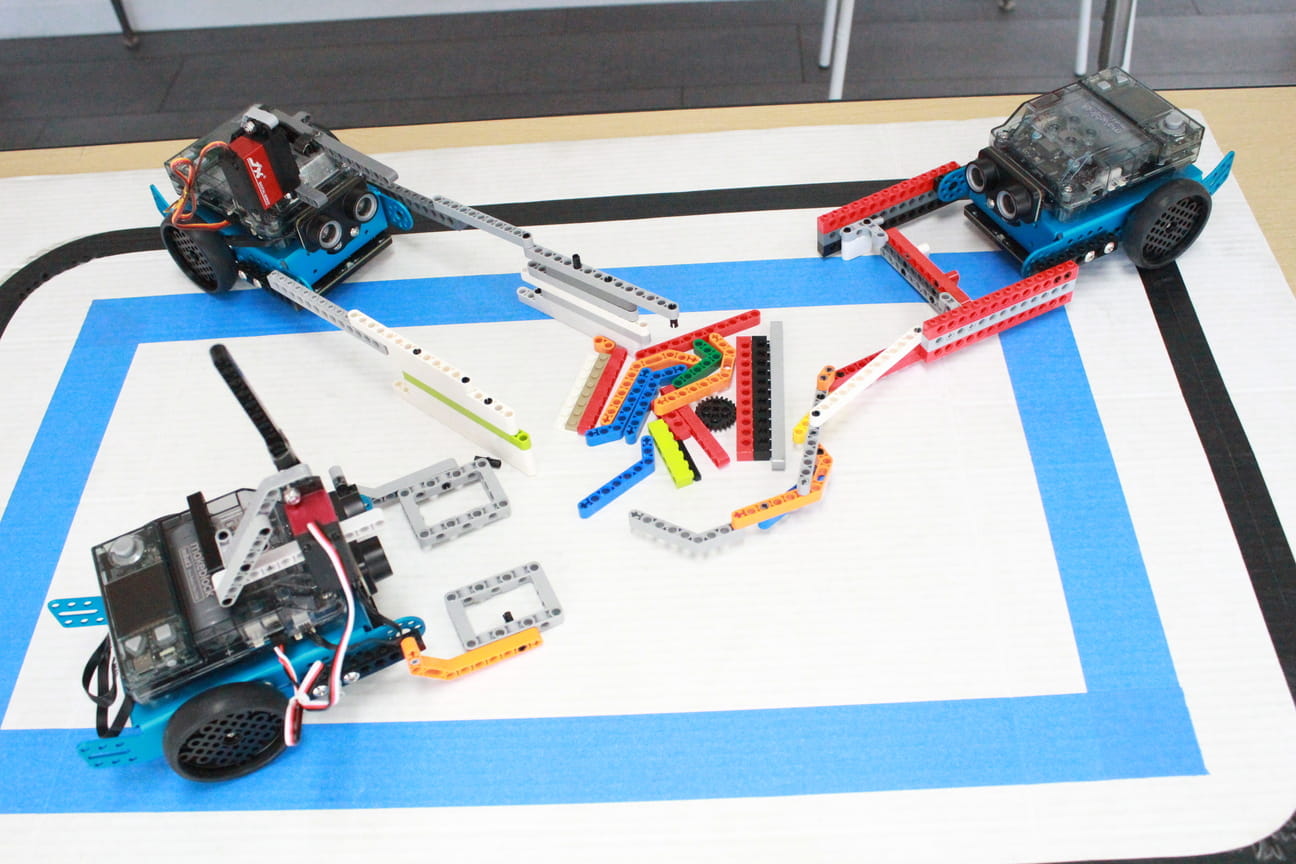
Battlebots Event
In January, we ran our first Battlebots competition! Students learned about physics and design to make their robot win.
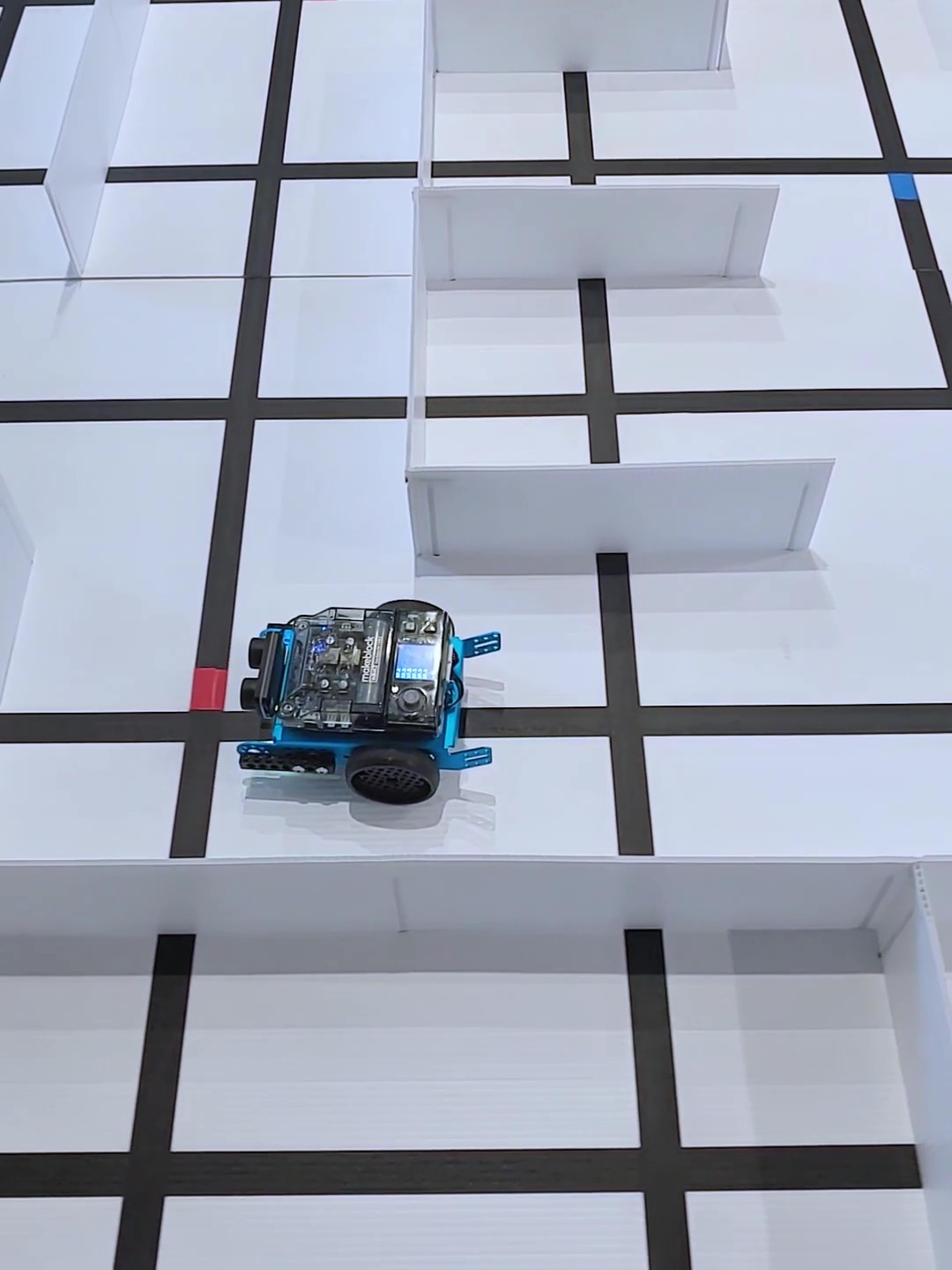
Robot Maze
In April, we built a big maze for students to navigate their robots through. Students tried two different forms of navigation and learned how sensors interface with the world.
Battlebots Event
In January, we ran our first Battlebots competition! Students learned about physics and design to make their robot win.
Robot Maze
In April, we built a big maze for students to navigate their robots through. Students tried two different forms of navigation and learned how sensors interface with the world.
About us

Who are we?
We are a robotics and programming school located in Tracy, CA for kids aged 8-16 years old. We teach robotics, game development, website development, and computer programming. Our teaching philosphy is to show students how to use their knowledge by making practical projects and participating in fun challenges and events.
Our Mission
When we were young, we would feel excited whenever we made a cool robotics project. We want to show students the power of robotics and how they can build anything they desire.
Class Schedule
| Day | Time |
|---|---|
| Monday | 4:45 p.m. |
| Monday | 6 p.m. |
| Tuesday | 3:45 p.m. |
| Tuesday | 4:45 p.m. |
| Tuesday | 6 p.m. |
| Tuesday | 7 p.m. |
| Thursday | 6 p.m. |
| Thursday | 7 p.m. |
| Friday | 4:45 p.m. |
| Friday | 6 p.m. |
| Saturday | 10 a.m. |
8:1
student to teacher ratio
8-16
age range
8
robotics and programming tracks
2
classes per week
Parents Love Us Too!
These are real reviews we pulled from our google profile (you can verify this)


FAQ
Common questions parents usually ask
Try a class for free - and build up to 2 mini projects
Before you commit to a full program, we recommend you try our free class. This gives us the ability to assess your child's skill levels and lets you experience the program before you spend money. In the class, you'll learn coding by building your first game and/or a lesson on robotics. No credit card or payment is required.
Pricing
To accomodate different schedules, we have two pricing plans. We aim to keep pricing reasonable.
per month, 1 class per week
- Auto-renews every month
- Cancel anytime
- 1 class / week
per month, 2 classes per week
- Auto-renews every month
- Cancel anytime
- 2 classes / week
Contact Us
Fill out the form for questions / comments or help. We’ll get back to you.
Send a message
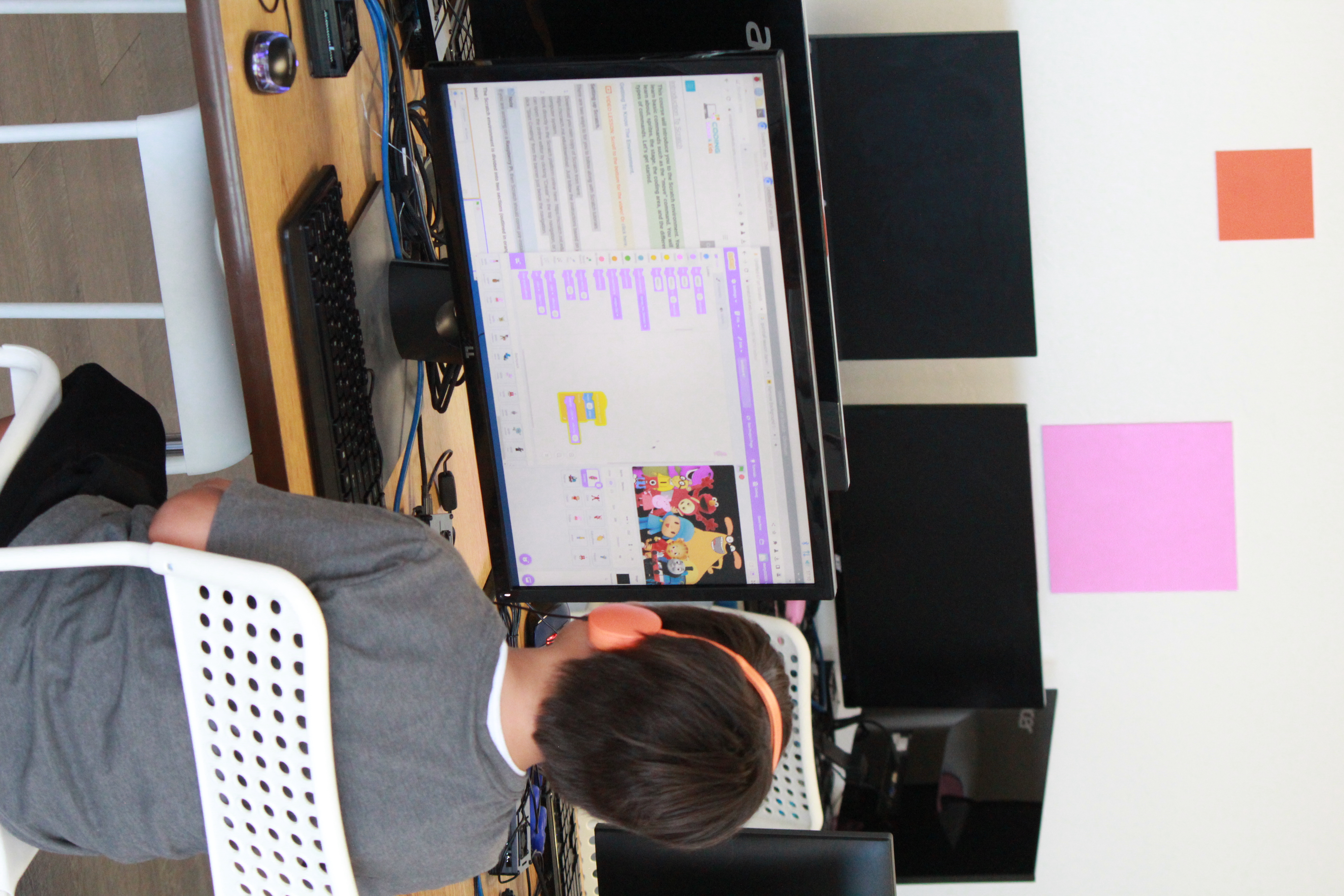
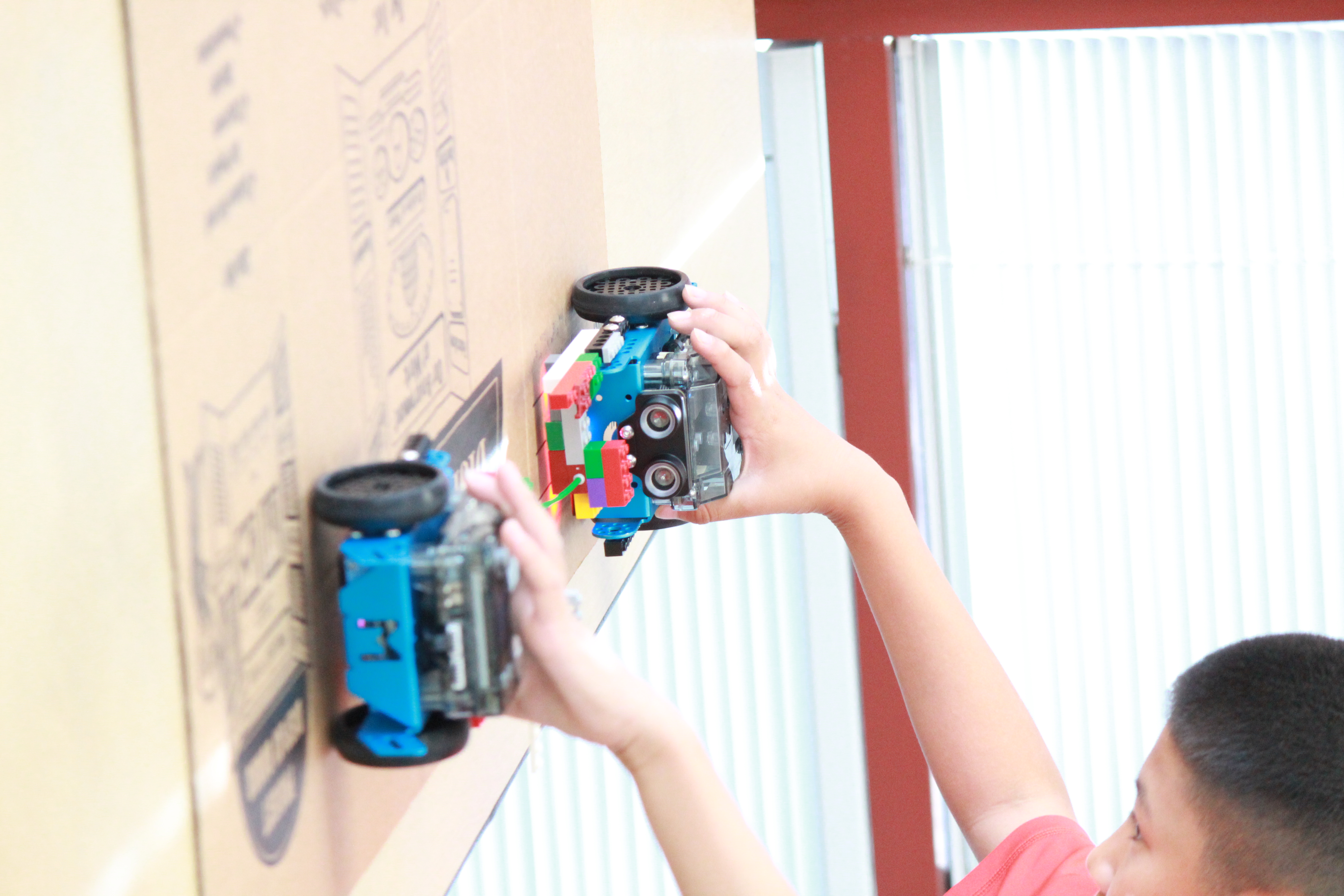
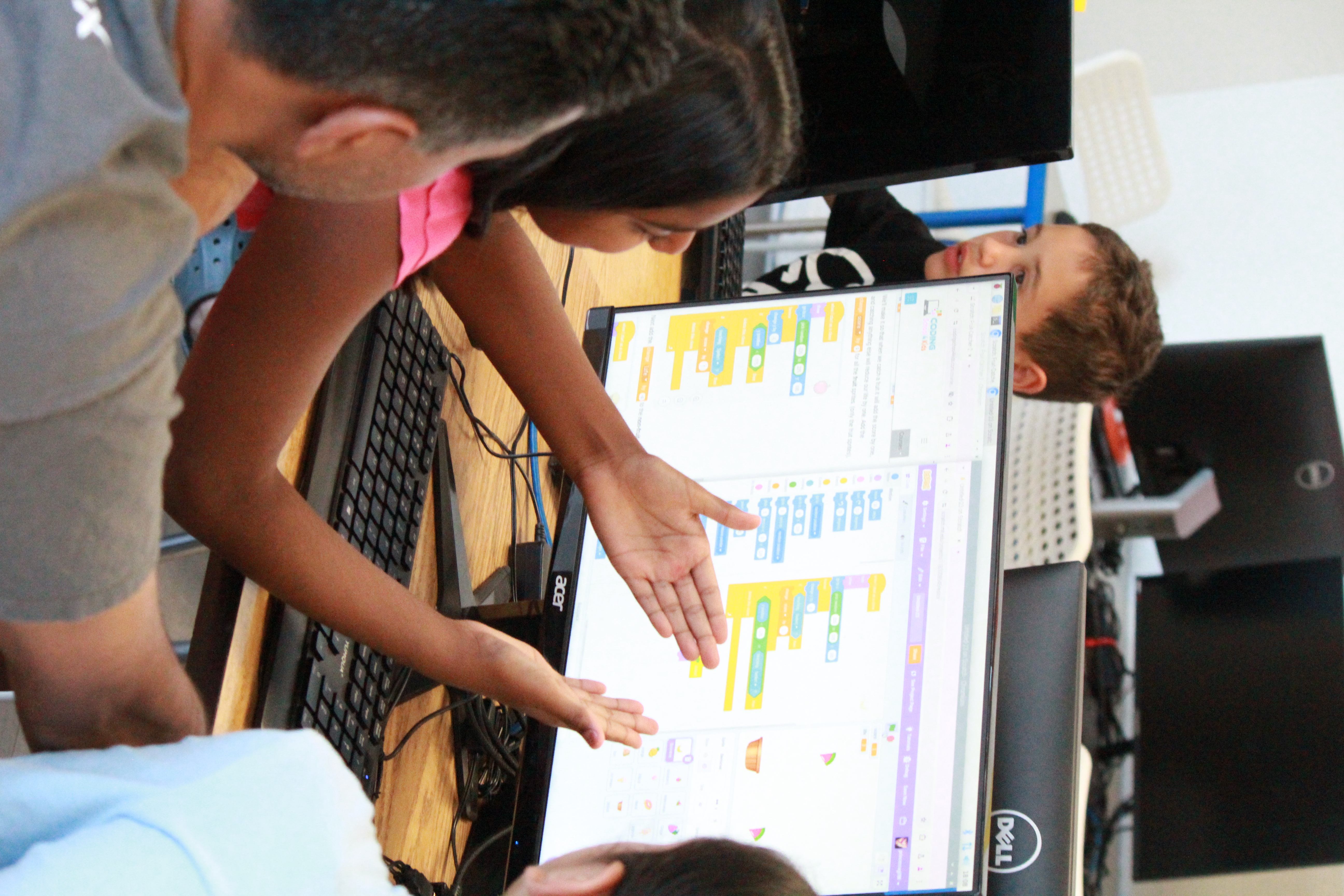
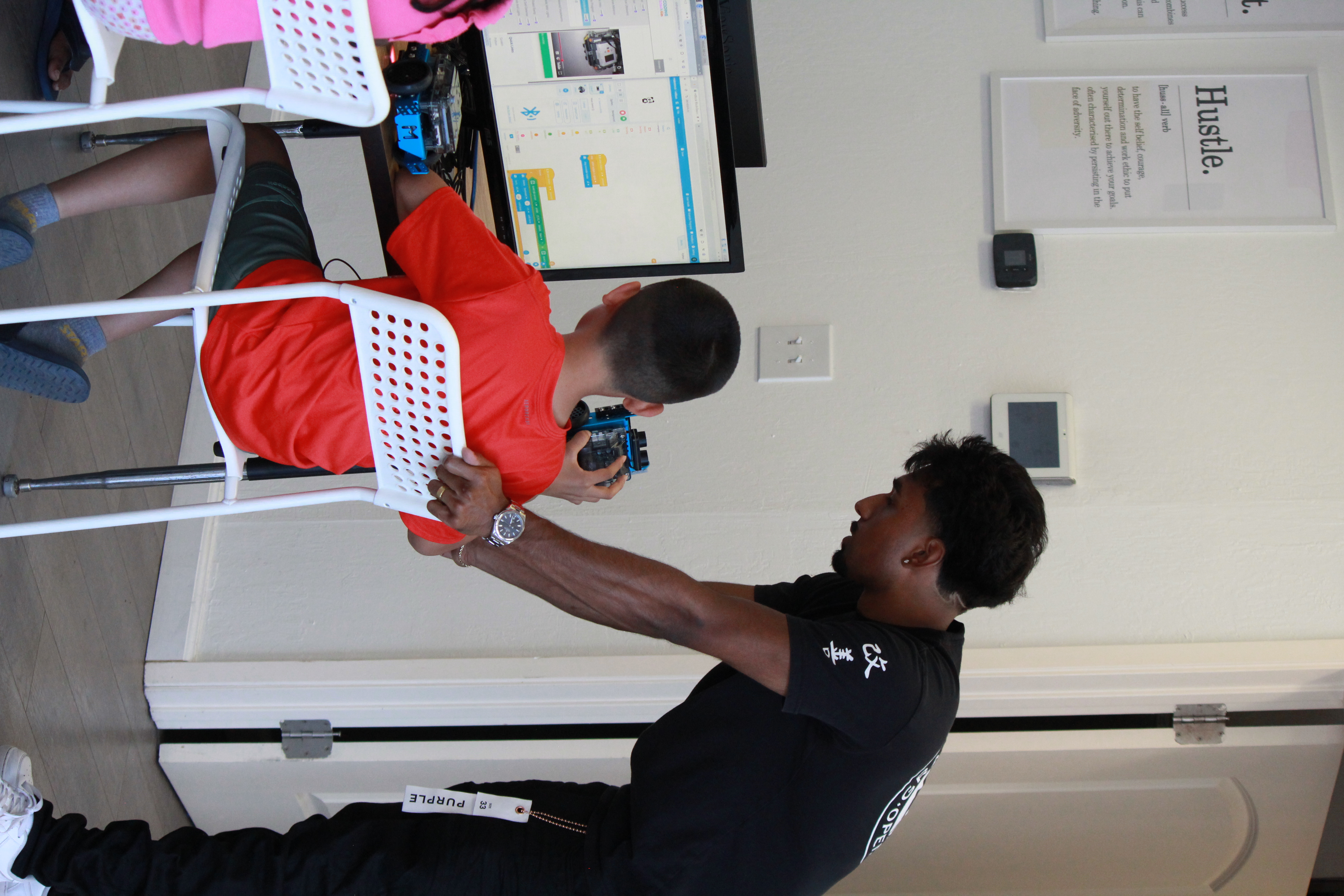
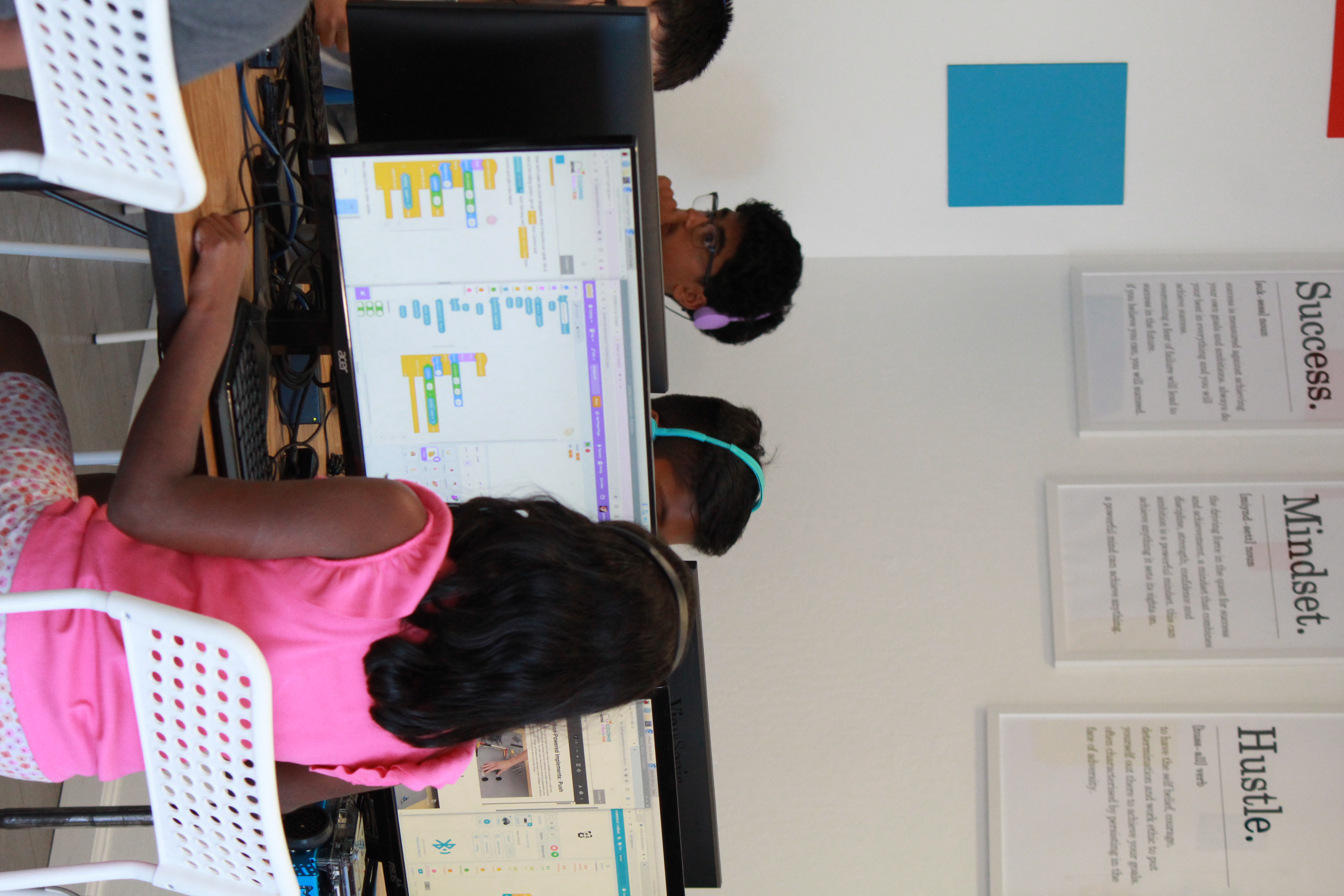
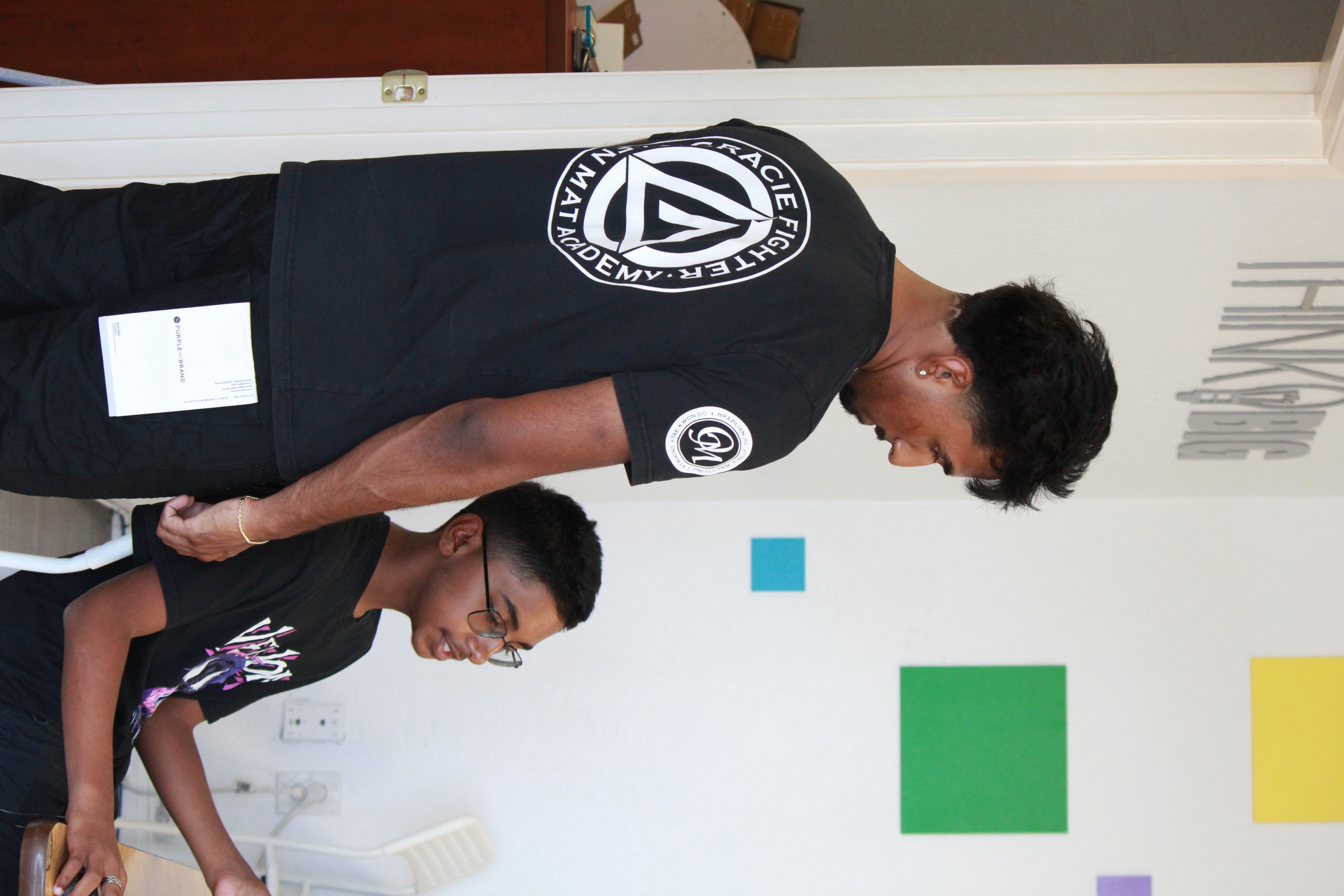
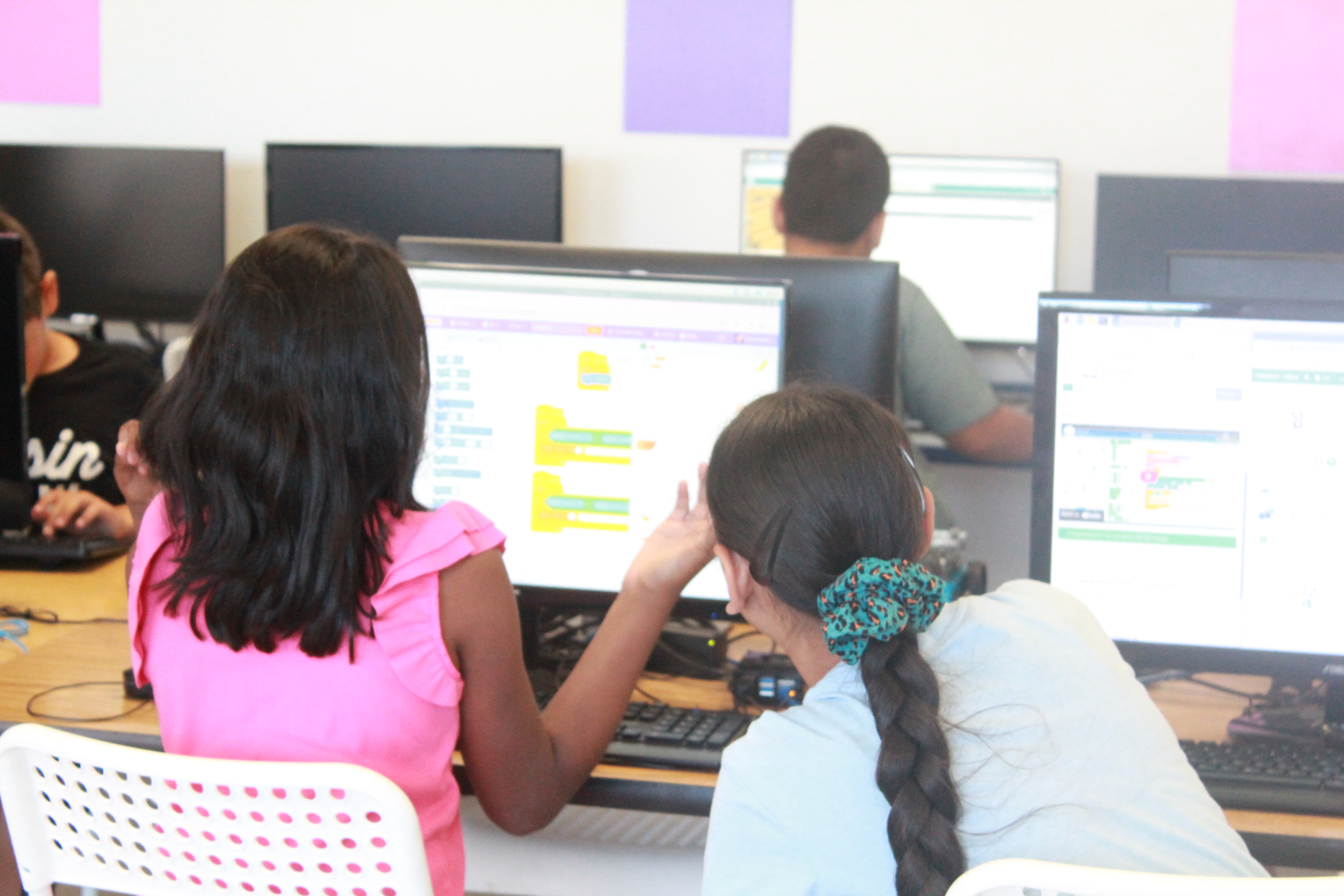
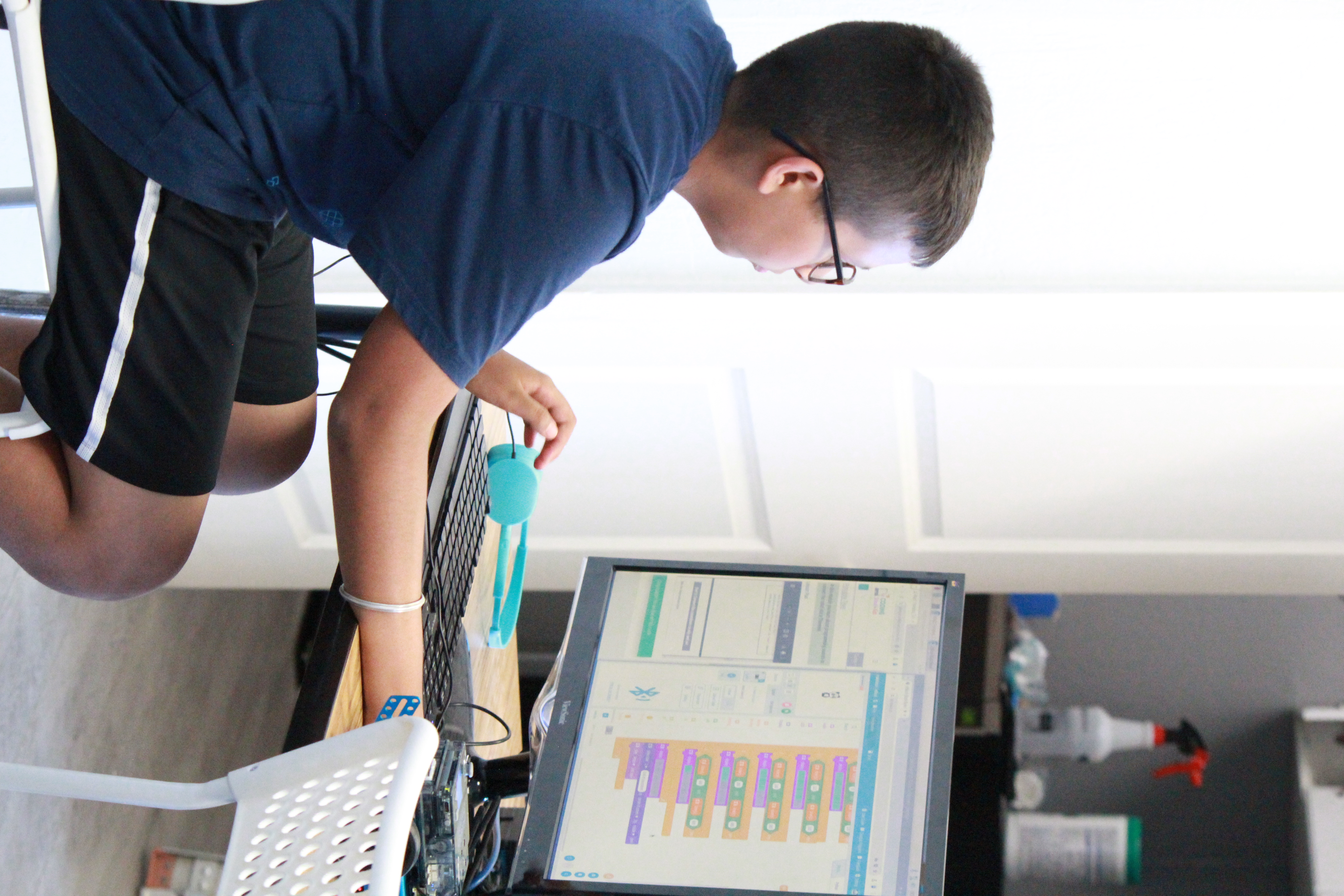
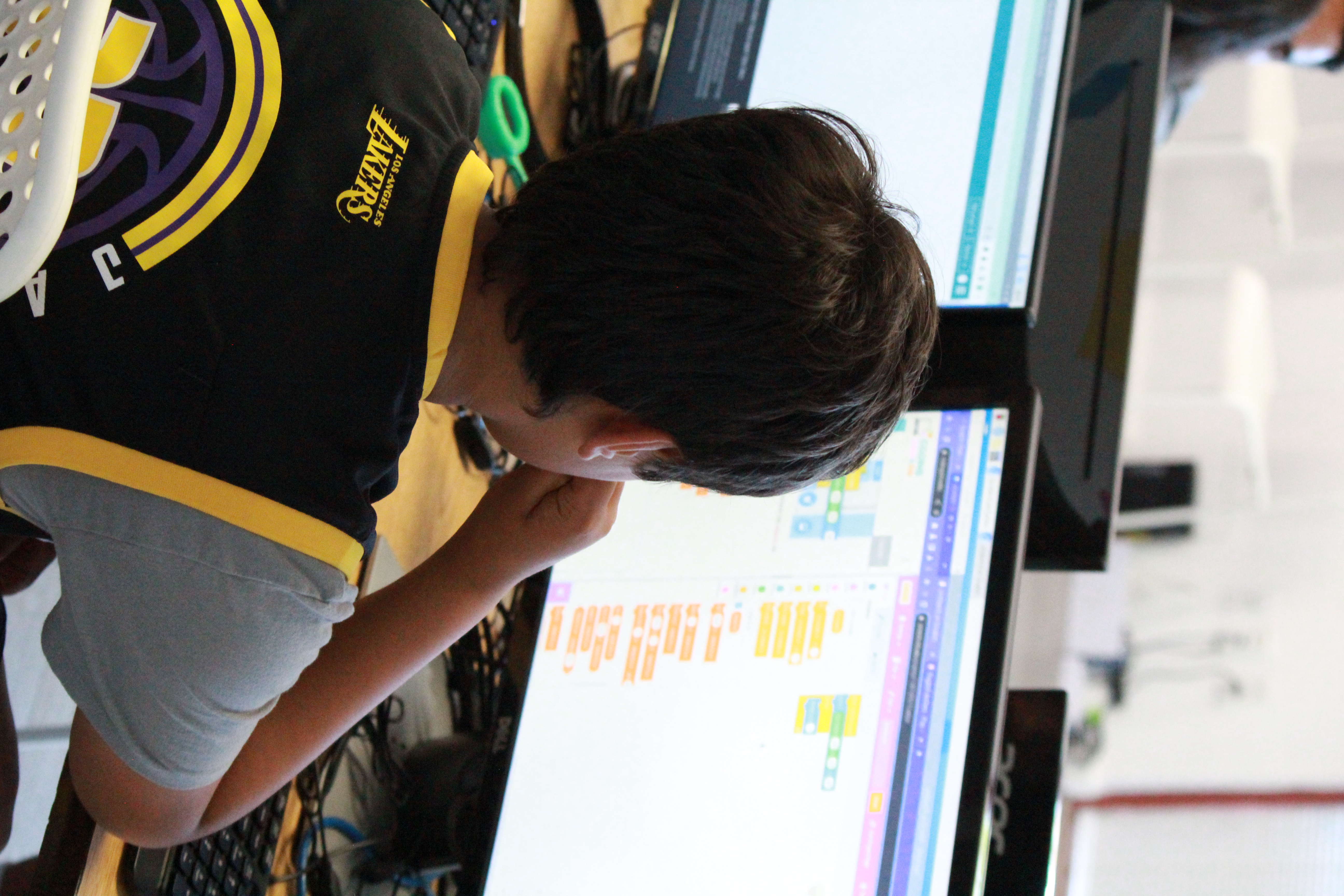
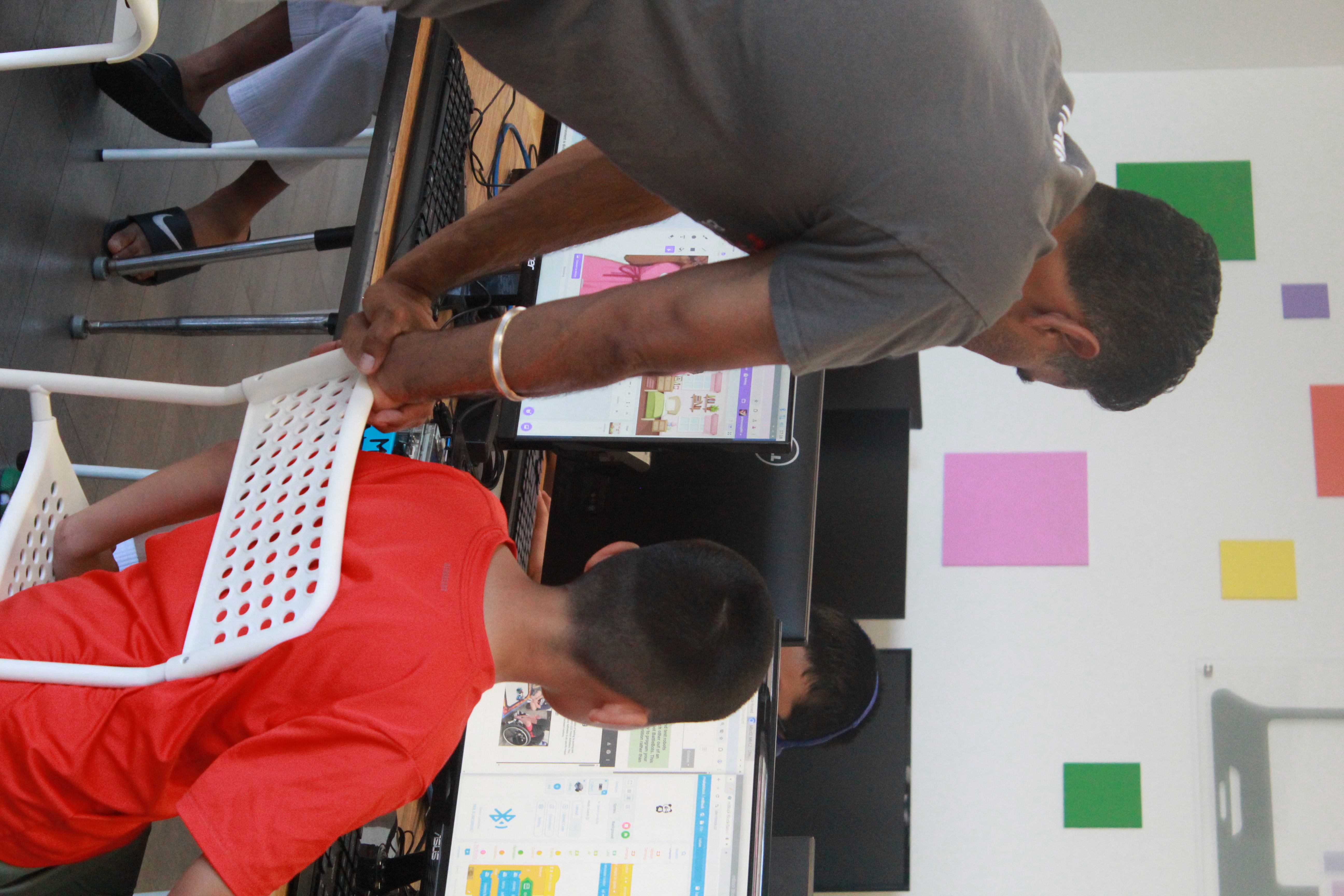
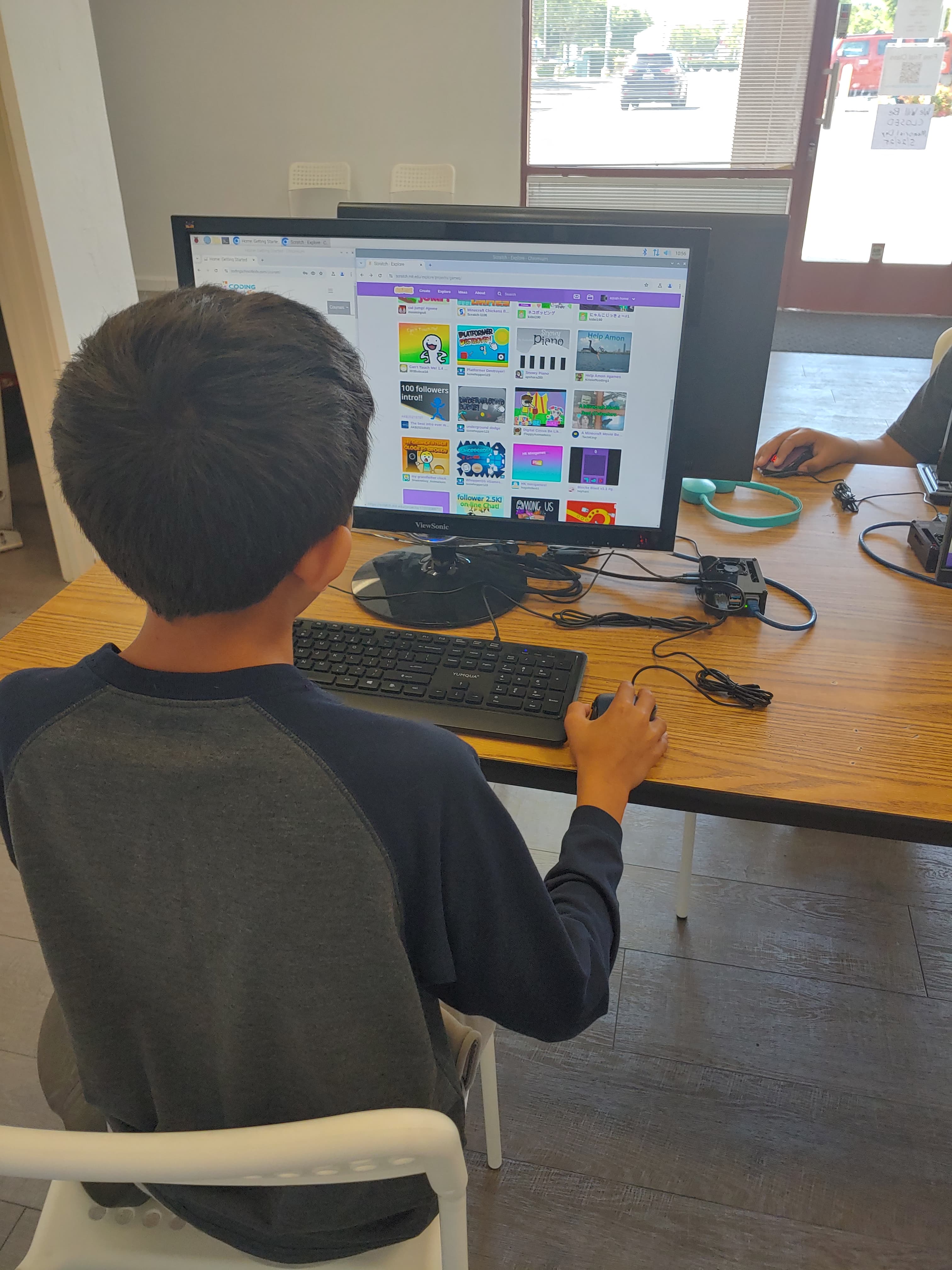
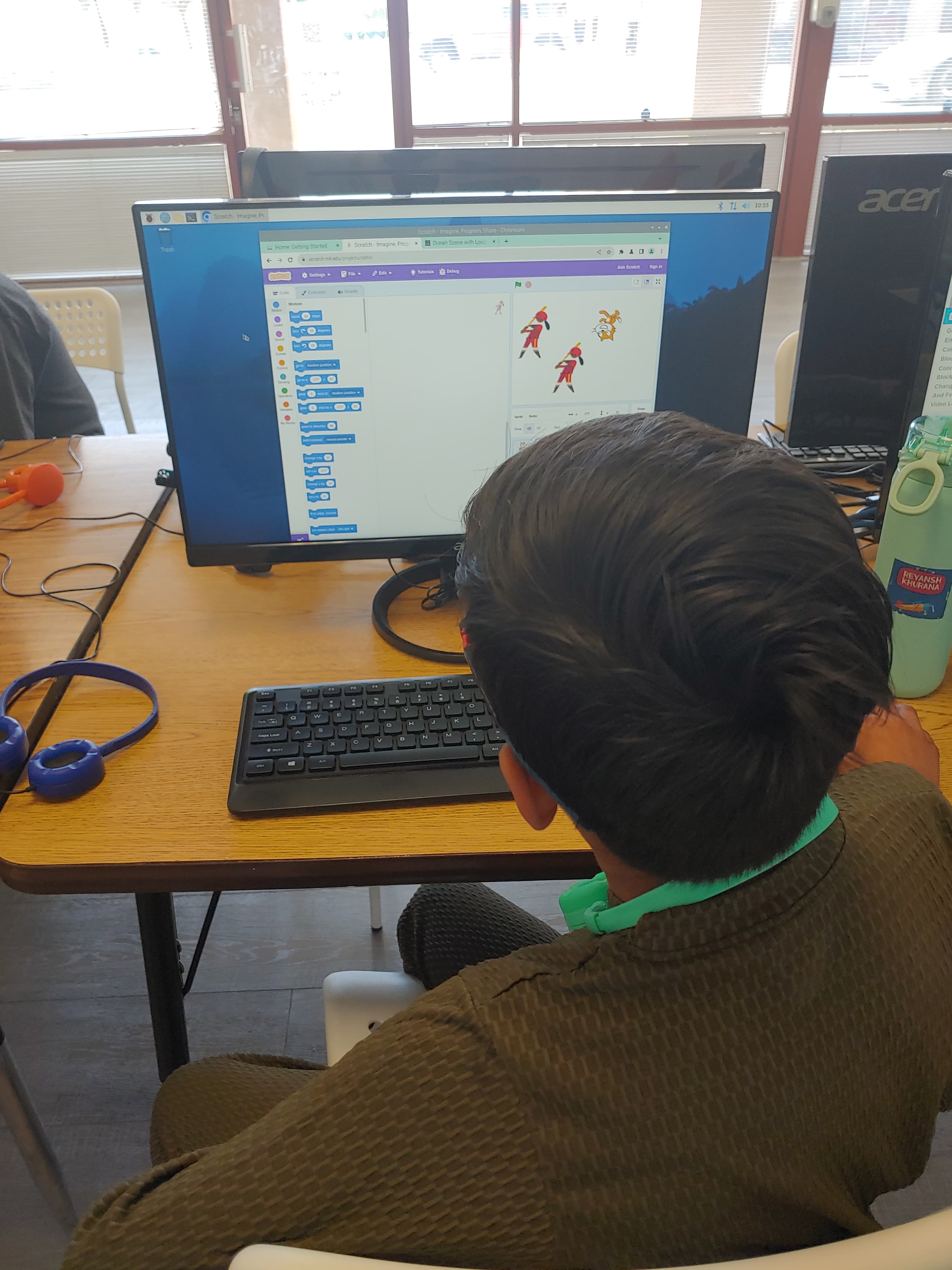
Photo Gallery
Full Curriculum
Interactive Learning (Scratch)
Kids learn by doing — creating their own games, animations, and interactive stories.
- Build projects using simple drag-and-drop blocks
- Understand patterns, logic, and problem-solving
- Add characters, sounds, speech, and movement
- Bring their ideas to life through play
Introduction to Python
Once they're comfortable with the basics, we introduce Python — one of the most popular programming languages in the world.
- How coding really works
- How to write simple programs
- How to work with numbers, words, and data
- How computers think
Problem-Solving & Logic Skills
Kids begin writing their own small programs and learning skills they’ll use in every future coding language.
- How to make decisions in code (if/else)
- How to think logically and break down problems
- How to repeat actions using loops
- Build mini projects
Organizing Data
Kids begin learning how computers store and organize data.
- How to store multiple items in lists
- How to use key-value pairs with dictionaries
- How to organize data for real-world projects
- Why it is important to organize data
Making Code Smarter & More Powerful
Kids learn to write reusable code and work with external data.
- How to create reusable blocks of code (functions)
- How to read and write data from files
- How to organize code for bigger projects
- Build projects that save and load data
Building with Blueprints (OOP)
Kids learn to create reusable code patterns and model real-world things.
- How to create blueprints for objects (classes)
- How to build and customize objects (instances)
- How to make code more organized and powerful
- Build projects with interactive objects
Microbits in Action
Kids learn to work with tiny computers and make cool projects, perfect for the little ones.
- How to program microbits to sense and respond
- How to create games, animations, and projects
- How to solve problems and debug code
- Make cool wearable tech, games, and more
- Build fun robotics and electronics projects
Harwared & Robotics w/Python
Kids bring their code to life with electronics and robotics.
- How to solve real-world problems with code
- Circuits & simple electronics
- How to control lights, sensors, and motors with GPIO
- How to make projects interact with the physical world
- Build fun robotics and electronics projects
Game On! (Pygame Module)
Kids create their own games with Python's Pygame Module
- How to make graphics and animations
- How to handle user input and interactions
- How to create game logic and rules
- Build fun games and simulations
Level Up! (Unity Gaming)
Kids create 3D games and interactive experiences!
- How to build 3D environments and characters
- How to create game mechanics and physics
- How to script with C# and bring games to life
- Build immersive games and simulations
Building Simple Websites
Kids learn to create simple websites!
- Build cool websites and online projects
- How to structure content with HTML
- How to style and design with CSS
- How to make websites interactive and responsive
Making Websites Come to Life
Kids add interactivity to their websites using JavaScript.
- Build engaging web projects
- How to add buttons, forms, and interactions
- How to create dynamic content and animations
- How to make websites respond to user interactions
Building Complete Websites
Kids create all the components of a website from start to finish.
- Create powerful fullstack projects with Python and Django
- How to connect frontend (HTML, CSS, JS) to backend (Django)
- How to work with databases and store data
- How to build complete web apps